Last updated: 11 Sep 2025
KoboToolbox allows data collection in multiple ways. Because KoboToolbox is built on the Xform/ODK standards, our forms are compatible with a number of different tools that can be used for data collection.
For Android devices, we recommend using Collect Andoid app app, which can be downloaded from the Google Play Store and installed on any standard Android phone or tablet.
For any other devices (including iPhones, iPads, or any laptop or computer), we recommend using the webform for collecting data.
A quick rundown on the differences between the two options
|
Webforms |
KoboCollect |
|---|---|---|
Devices |
Any mobile device or computer |
Android only |
Runs in… |
Browser |
Native Android application |
Configurable |
Server-wide |
On each device |
Default form display |
All questions on the same screen |
One question per screen |
Data upload |
Automatically when connection available |
On user request or immediately if connection available |
Phone-specific meta-questions ( |
No |
Yes |
|
No (except manual entry) |
Yes |
Different form styles |
Yes |
No |
Encryption |
Not for storage, but always during transfer |
Can be enabled on-device, always during transfer |
|
Yes |
No |
Advanced map appearance options ( |
Yes |
No |
Text formatting in notes and labels (bold, italics, links) |
Yes |
No |
Combine subsequent notes into a single note on the screen |
Yes |
No |
|
Yes |
Yes |
|
Yes |
No |
|
Yes |
Yes |
|
No |
Yes |
|
No |
Yes |
Advanced image appearances ( |
Yes |
Yes |
Calculation command |
Set a minimum number of repeat groups |
Set an exact number of repeat groups |
Collecting data using KoboCollect
After deploying a project, you can go to Form - Collect data, and then select the Android application.
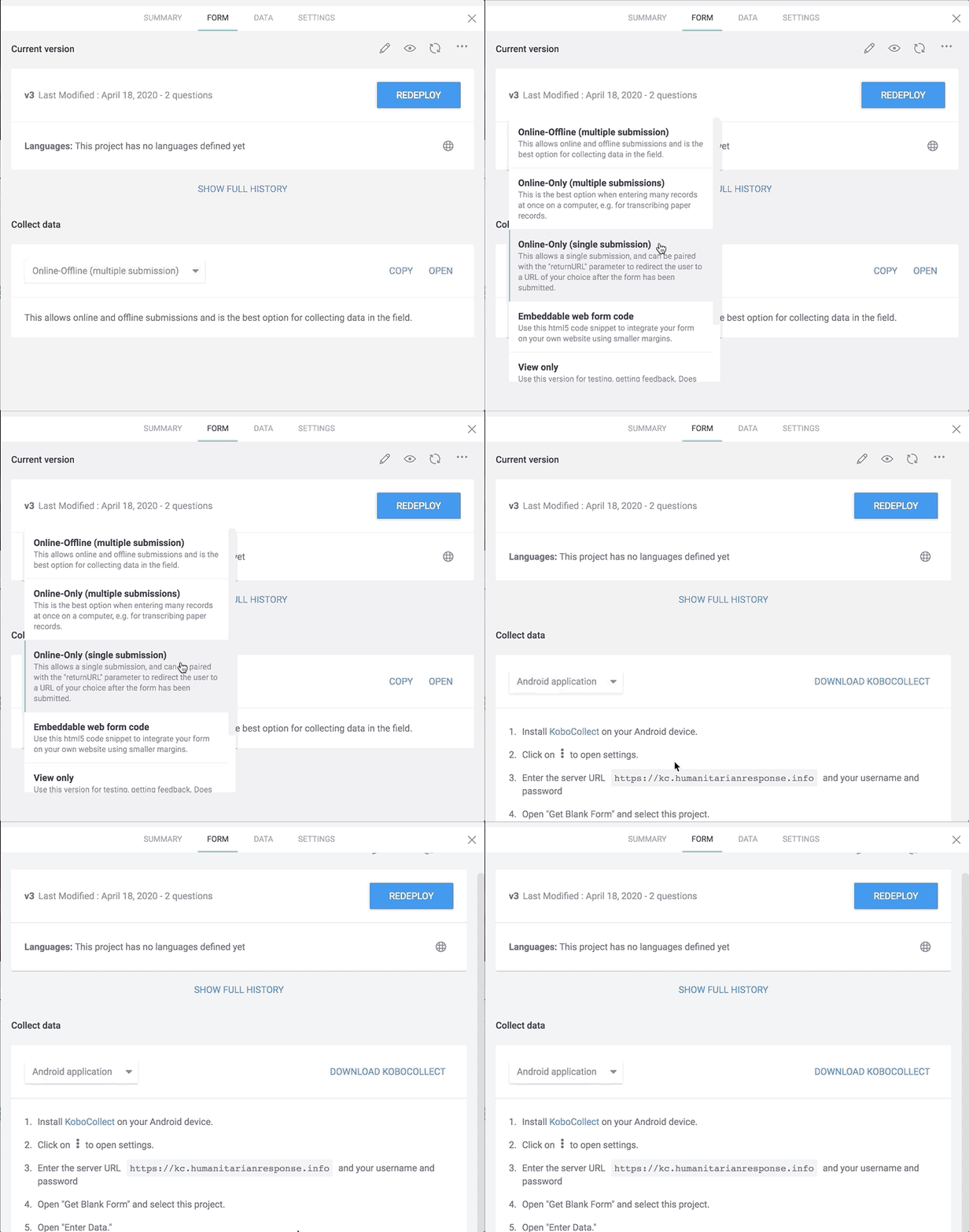
For details on how to set up KoboCollect on any Android devices, read this article.
Collecting Data using the Enketo Webform
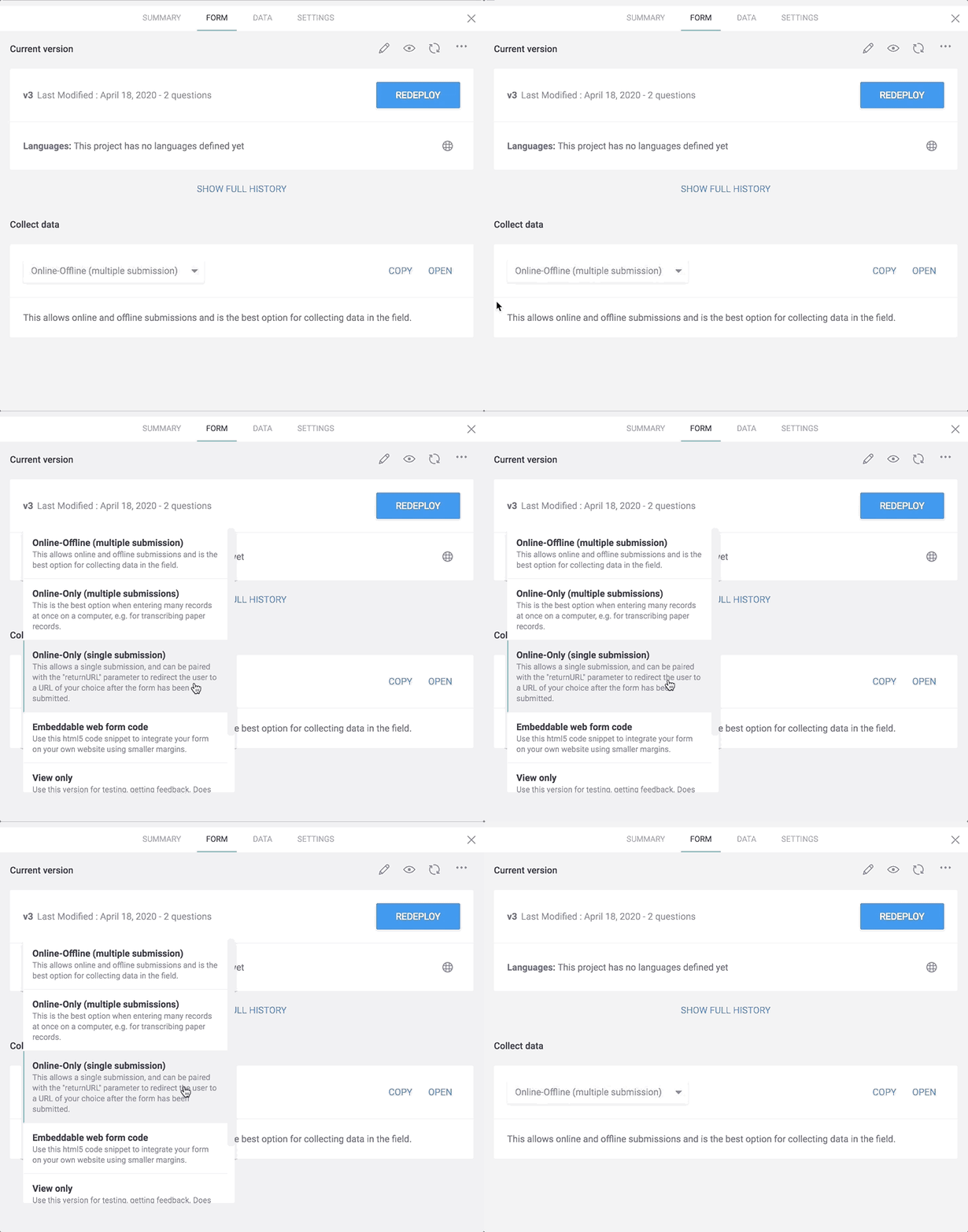
To use the webform, after deploying a project, you can go to Form - Collect data, multiple options (online or offline, single or multiple submissions) are available. The default option is Online-Offline (multiple submission).